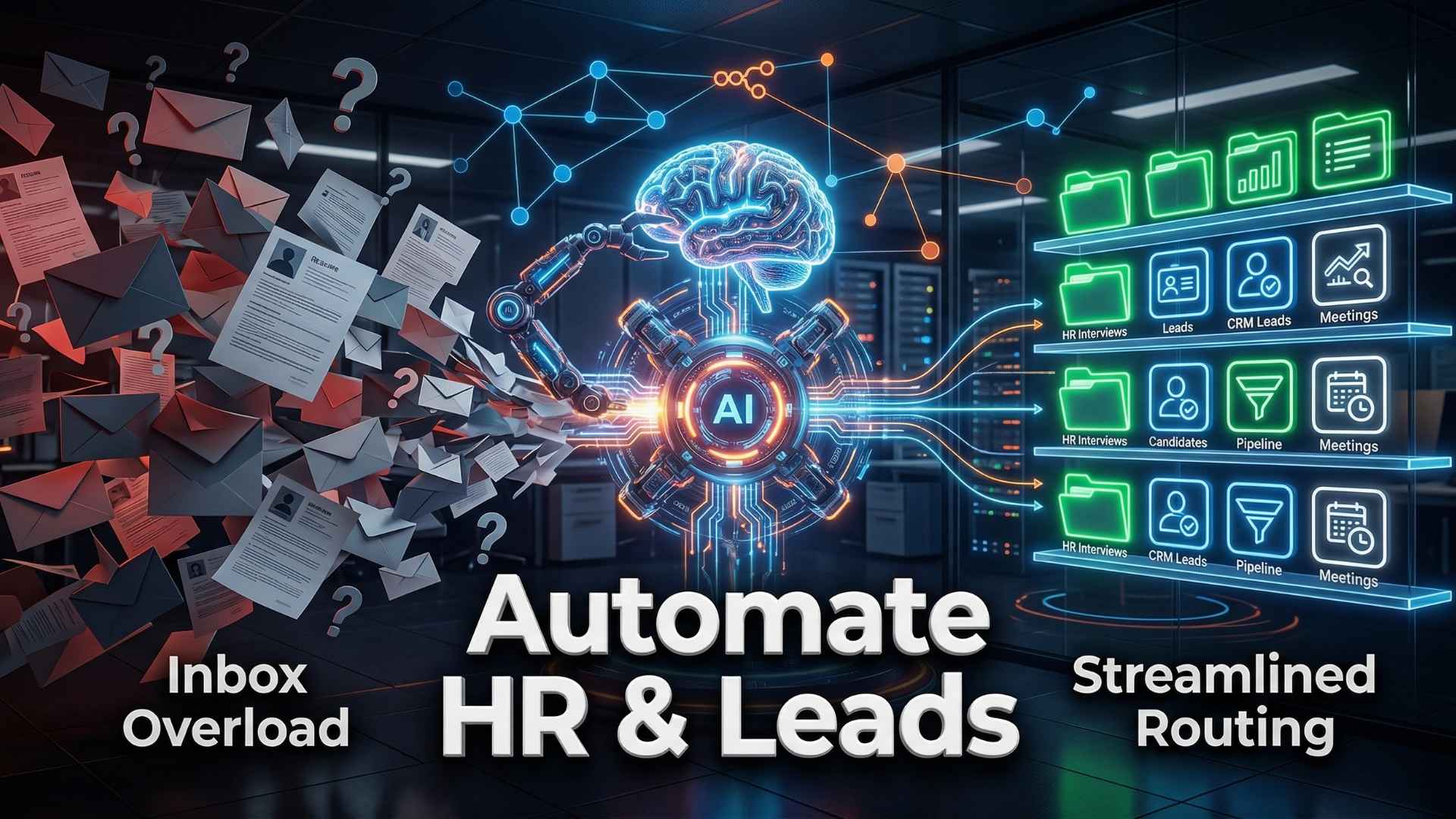
As a business scales, the shared inbox becomes a chaotic mess. Every day, hundreds of emails arrive—potential clients asking for quotes, job applicants sending resumes, and vendors asking questions. If your team is spending hours manually reading, sorting, and forwarding these emails, you are bleeding time and money. Worst of all, hot leads go cold while waiting for a response.
What if you could build a system that instantly reads the email, decides what to do with it, and routes it to the correct department—all in under a minute?
Welcome to the power of n8n and AI Agents. Today, we are going to break down exactly how to build an intelligent routing system without writing a single line of code.
The Solution: An AI-Powered Routing Agent Standard automation tools (like basic Zapier setups) can move an email to a spreadsheet, but they can’t understand the context of the email. By building an AI Agent in n8n, we give our workflow a “brain.”
This agent uses a Large Language Model (like Google Gemini or OpenAI’s GPT-4) to read the incoming data, classify its intent, and trigger the appropriate next steps.
Step-by-Step Workflow Breakdown
1. The Trigger (Catching the Data) Every automation starts with an event. In n8n, you can use a Webhook node connected to your website form (like Jotform or Typeform), or a Gmail Trigger to monitor a specific inbox. When a new lead or job application arrives, the workflow wakes up.
2. The AI Classification (The Brain) Instead of a human reading the message, n8n sends the text to an Advanced AI Node. You prompt the AI with a specific task: “Read this submission. If it is a sales inquiry, categorize it as ‘Lead’ and extract the budget. If it is a job application, categorize it as ‘HR’ and extract the candidate’s skills.” 3. The Switch Node (The Traffic Cop) Once the AI classifies the message, n8n uses a Switch Node to route the data down different paths based on the AI’s output:
-
Path A (Sales Lead): n8n automatically creates a new contact in your CRM (like HubSpot), pings the sales team in Slack or Microsoft Teams, and sends an instant “We received your request” email to the prospect.
-
Path B (HR Applicant): n8n downloads the attached resume, uses AI to score the candidate based on the job description, and logs the candidate’s details into an Airtable database.
4. The Follow-Up (Automated Communication) Finally, the workflow can send personalized HTML emails back to the sender. If an HR candidate scores highly, the AI can automatically draft an email inviting them to a first-round interview, completely removing the administrative bottleneck.
Conclusion & Next Steps This single n8n workflow can reduce manual triage work by 80%, ensuring only qualified leads reach your sales team and top-tier candidates reach your HR manager.
The best part? You don’t need to be a software developer to build this. At 99DigiSolution Academy, we break down these exact, high-level technical workflows step-by-step in clear, easy-to-understand Hindi.
👉 Ready to build your own custom AI Agents? Enroll in our Complete AI Agents & Automation Masterclass